
Browser settings
- Click the settings icon in the browser address bar.
- Turn on the switch next to Notifications.
- Refresh the page.
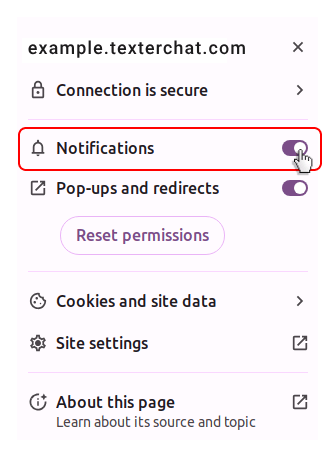
If notifications still do not appear, make sure your operating system also allows notifications from the browser you use.